
Sigma (Sigma Computing) is a cloud-native BI and analytics platform that queries your data warehouse live, behind a spreadsheet-style interface.
TL;DR
Sigma User Community Japan held its first event on September 9, 2026, in Ichigaya, Tokyo.
Zo Iguchi of Sigma Computing, Inc. told the room this was the first Sigma user community in Asia.
32 people registered and 30 turned up, despite heavy rain right up to the start.
The program: a beginner hands-on session, followed by seven lightning talks.
Those seven talks lean heavily toward governance, automation, and using Sigma as an application platform rather than as a dashboard tool. Two of the seven were about AI agents.
Several concrete requests for Sigma's product and developer experience came out of the talks.
The group came together in late August 2026 and had its first event on the calendar about three weeks later, set for the evening before Snowflake World Tour Tokyo opened. A short runway for a first meetup.
Sigma User Community Japan is open to anyone working with Sigma: teams already running it in production, and teams still deciding whether to adopt it.
A longer Japanese-language version of this report is available on Zenn.
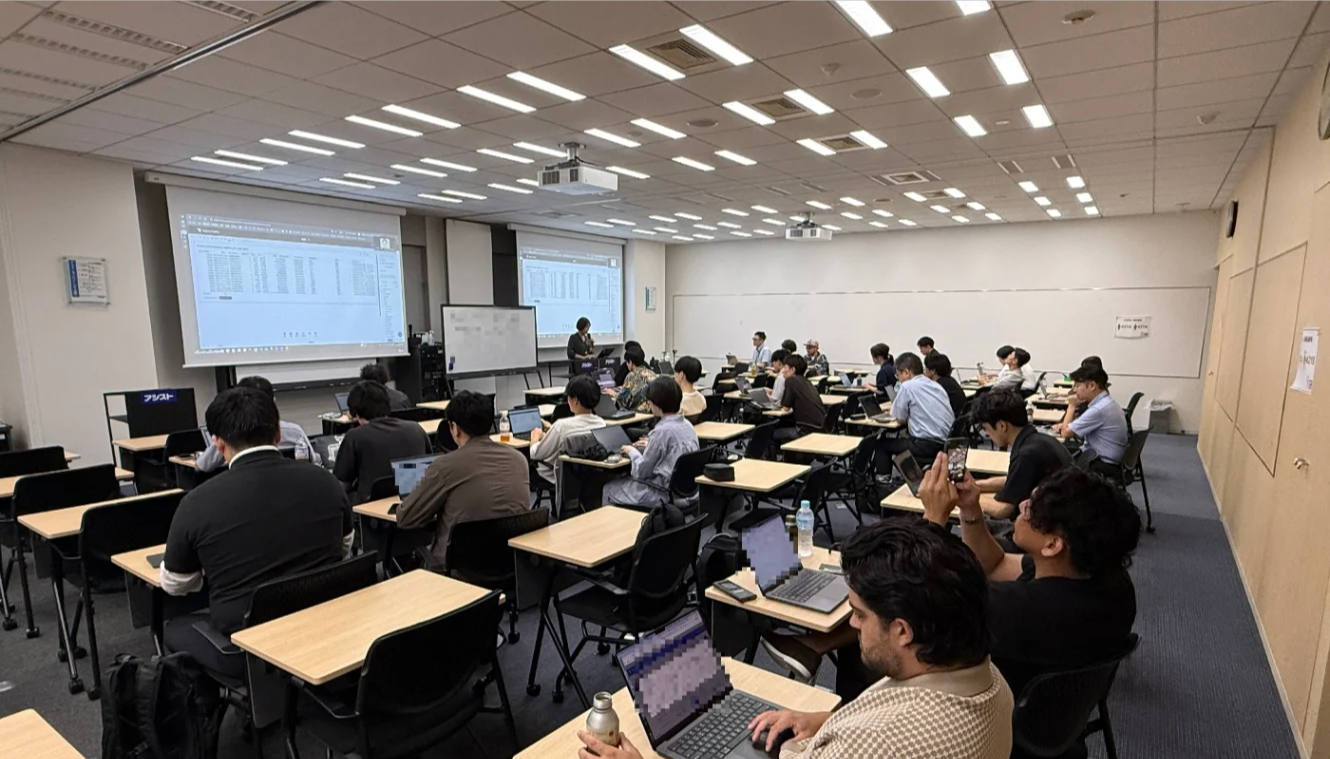
The venue and the turnout
Ashisuto provided the venue, an event hall in Ichigaya. Ashisuto is a Japanese enterprise software distributor founded in 1972, with around 1,300 staff and roughly 70 vendor products in its catalog. It signed a distribution agreement with Sigma Computing and started selling Sigma in Japan on February 10, 2026, and it also runs its own managed service on top, with support in Japanese. The same venue hosted Sigma's partner-only training back in July 2026.
That arrangement is worth a second look. The distributor provided the room, but the event itself was organized by volunteers from several different companies.
The meetup ran on a weekday evening and was free to attend. Registration went through connpass, the platform most Japanese tech communities use for events. 32 people signed up and 30 showed up, despite heavy rain right up until the start. The program came in two halves: a hands-on session for people new to Sigma, then seven lightning talks.
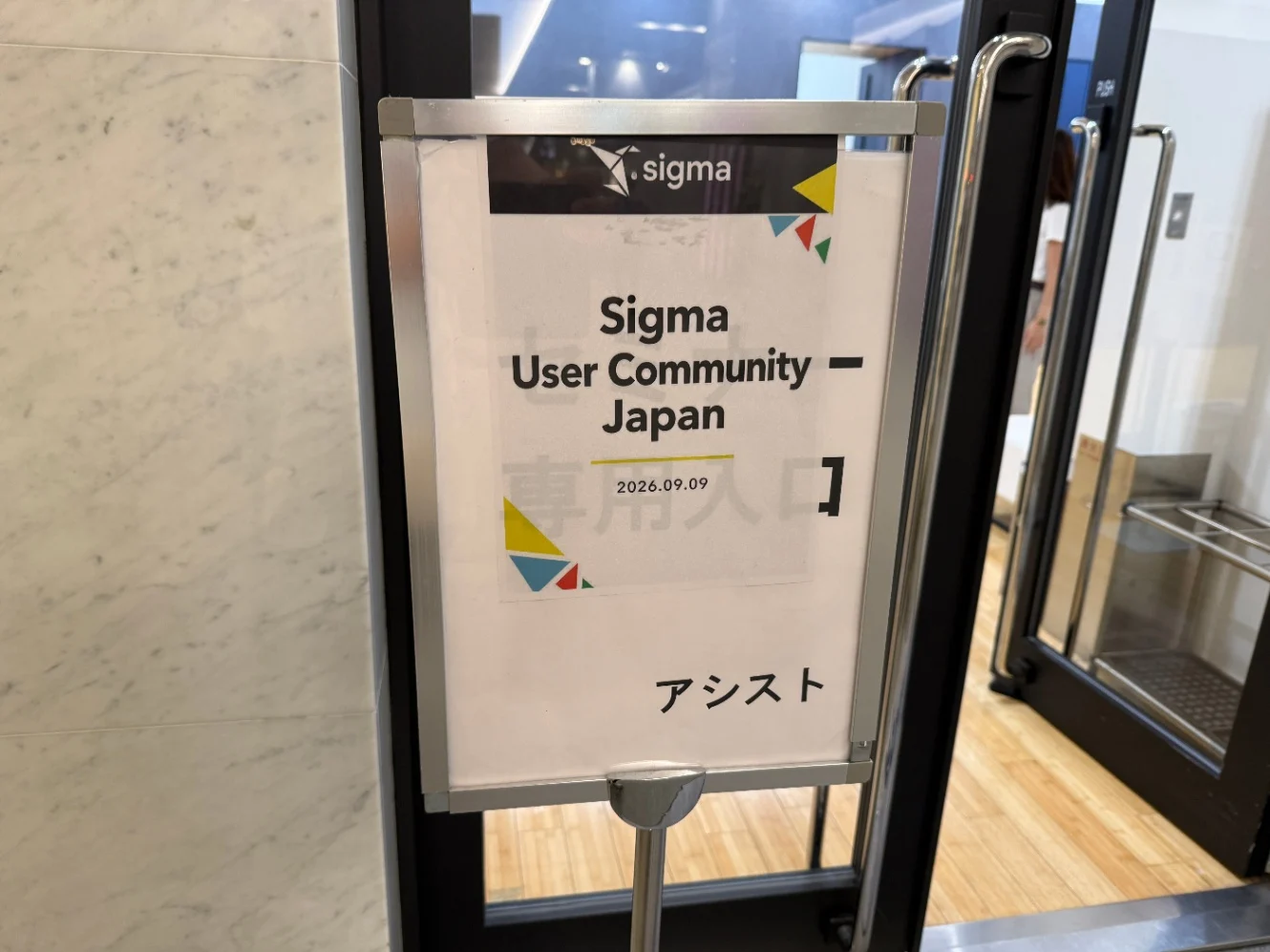
The sign in the lobby. The distributor lent the room; volunteers ran the evening.
The hands-on session: from signup to a working app
Led by: Mizuho Yashiro (truestar inc.)
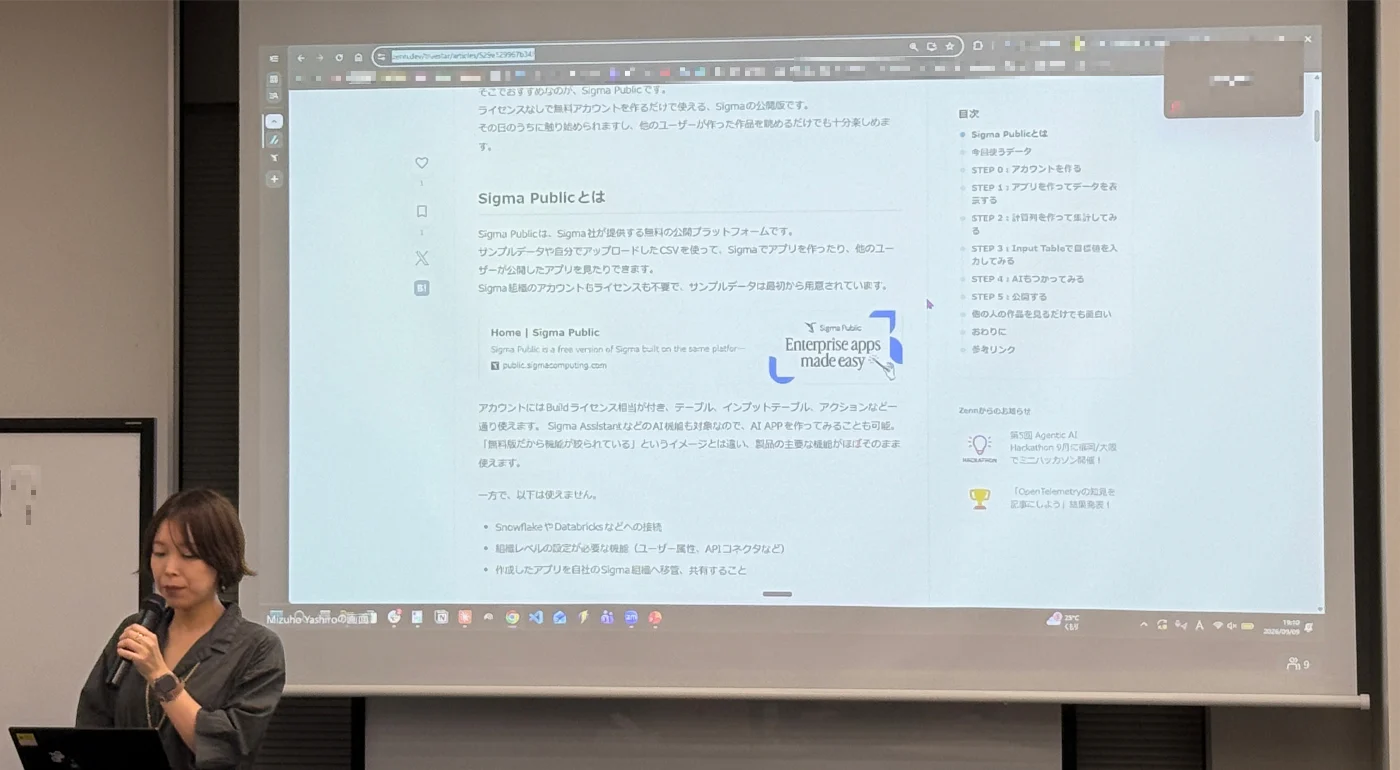
Mizuho Yashiro taking the room through Sigma Public, from account creation to a first chart.
The first half was a hands-on session built on Sigma Public, a free standalone platform that needs no license and no warehouse connection. That choice did real work. Nobody had to arrange access beforehand, so people who had never touched Sigma could follow along on an account they created that evening.
The dataset was PLUGS_ELECTRONICS_HANDS_ON_LAB_DATA from the Sigma sample database: transaction data for a fictional consumer electronics retailer, roughly 4.5 million rows across 22 columns, flat enough that nobody had to think about joins.
From there the session moved quickly. Attendees created an account, added a table element (which is where Sigma's live-query behavior against the warehouse becomes visible), wrote a Sales column in the formula bar with [Quantity] * [Price], grouped by Store Region and then Product Type for a hierarchical rollup, added a Linked Input Table to type in sales targets, and finished by asking Sigma Assistant to turn regional sales into a bar chart. All of that in one sitting.
The session closed on a distinction that catches most first-time users. Publish pushes draft changes to the published version. Make App Public is what actually makes the app visible to other Sigma Public users. You need both, and publishing alone leaves your app invisible.
A few limits are worth knowing if you are planning something similar for your own group. Sigma Public cannot connect to Snowflake or Databricks, cannot use features that depend on organization-level settings, and offers no path to move a finished app into your own Sigma organization. Uploading confidential data is prohibited by the terms of service.
Seven lightning talks
What follows is reconstructed from notes taken on the night, supplemented by the slide decks where speakers published them.
LT #1: Useful resources for Sigma users, and Sigma's two MCP servers
Speaker: shinyaa31 / Shinya Abe (truestar inc.), which is to say, me
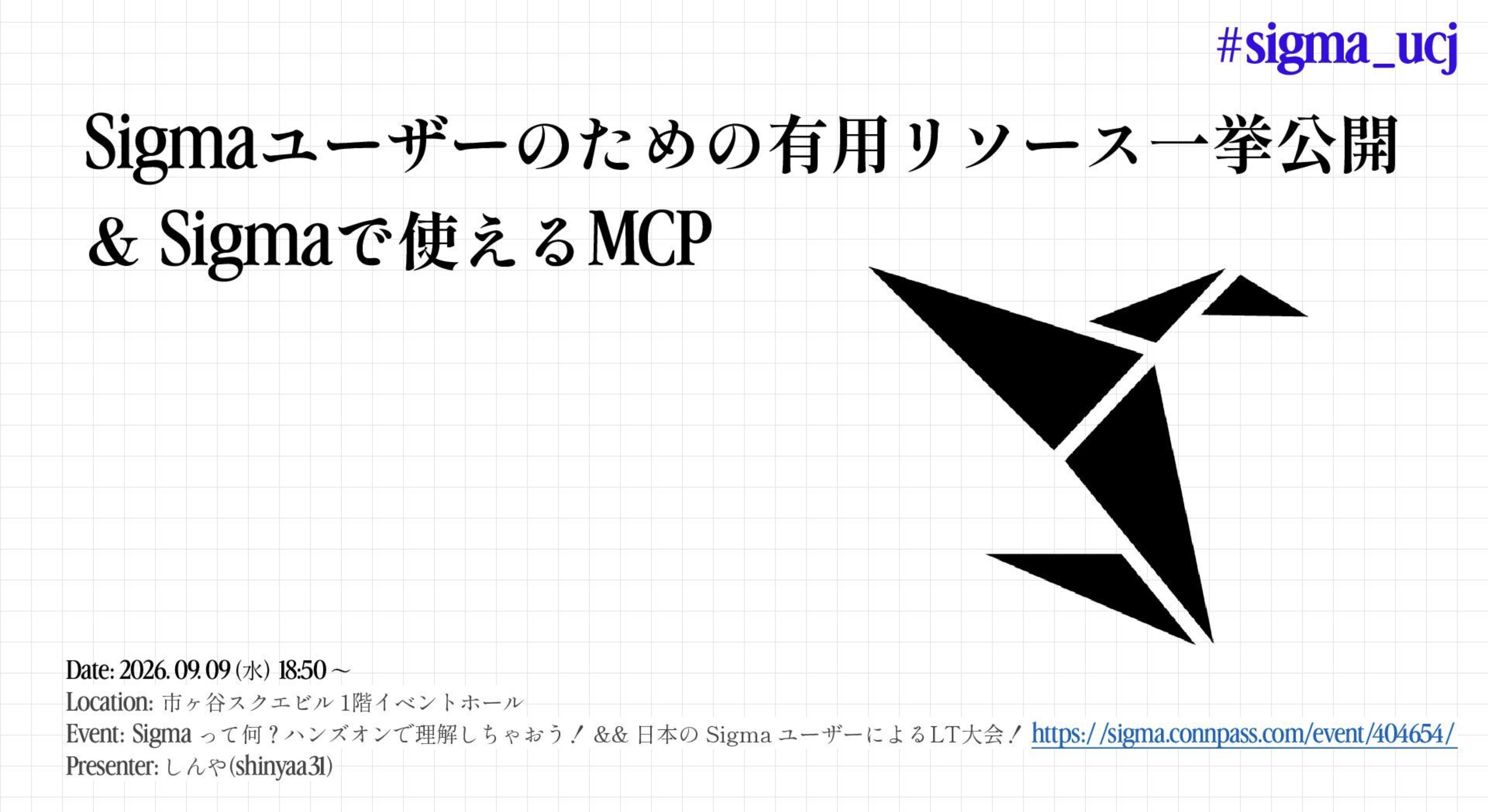
The opening talk: where to find Sigma resources, and what to point an AI agent at.
The opening talk had one goal: send people home knowing where to look next. The first half mapped the Sigma resource landscape, the second covered the two MCP servers you can point an AI agent at.
The resources sort into three groups depending on what you want from them.
To learn by building: Sigma Public, the platform from the hands-on session, which launched in May 2026 and sits roughly where Tableau Public sits for Tableau. Sigma QuickStarts, a library of 141 hands-on guides as of September 2026. And the Sigma challenges on Workout Wednesday, a community-run weekly exercise.
To keep up: Sigma Community, which carries the What's New in Sigma release notes at close to a weekly cadence, plus the official blog, the documentation, and the YouTube channel.
In Japanese: almost all of it lives on Zenn at the moment.
Two observations came out of this half. Sigma's most active social channel by a wide margin is LinkedIn, while the X account has gone quiet. That matters more in Japan than it might elsewhere, since X is still where much of the developer community talks. The other is that QuickStarts, for all its coverage, runs long enough per guide that a beginner needs a real block of time to finish one.
Sigma's own launch post for Sigma Public links to one of my apps as an example.
The second half turned to MCP (Model Context Protocol), the common interface that lets an AI agent talk to outside applications and data. Sigma ships two servers, and they do quite different jobs.
| Sigma Document MCP | Sigma MCP Server | |
|---|---|---|
| Covers | Sigma's public documentation | Your organization's data in a paid Sigma environment |
| Auth | None, plain HTTP | Required (HTTP/OAuth), plus access rights on the objects themselves |
| Good for | Looking up functions, translating formulas from other tools, generating migration code, building your own REST API integrations | Quick number checks, onboarding new analysts, self-service analysis with permissions intact, cross-team investigation, auditing data assets |
Both install into Claude Code with claude mcp add, and both are available in Claude.ai as custom connectors.
LT #2: I want to manage Sigma as code (!!!)
Speaker: civitaspo (LayerX Inc.)
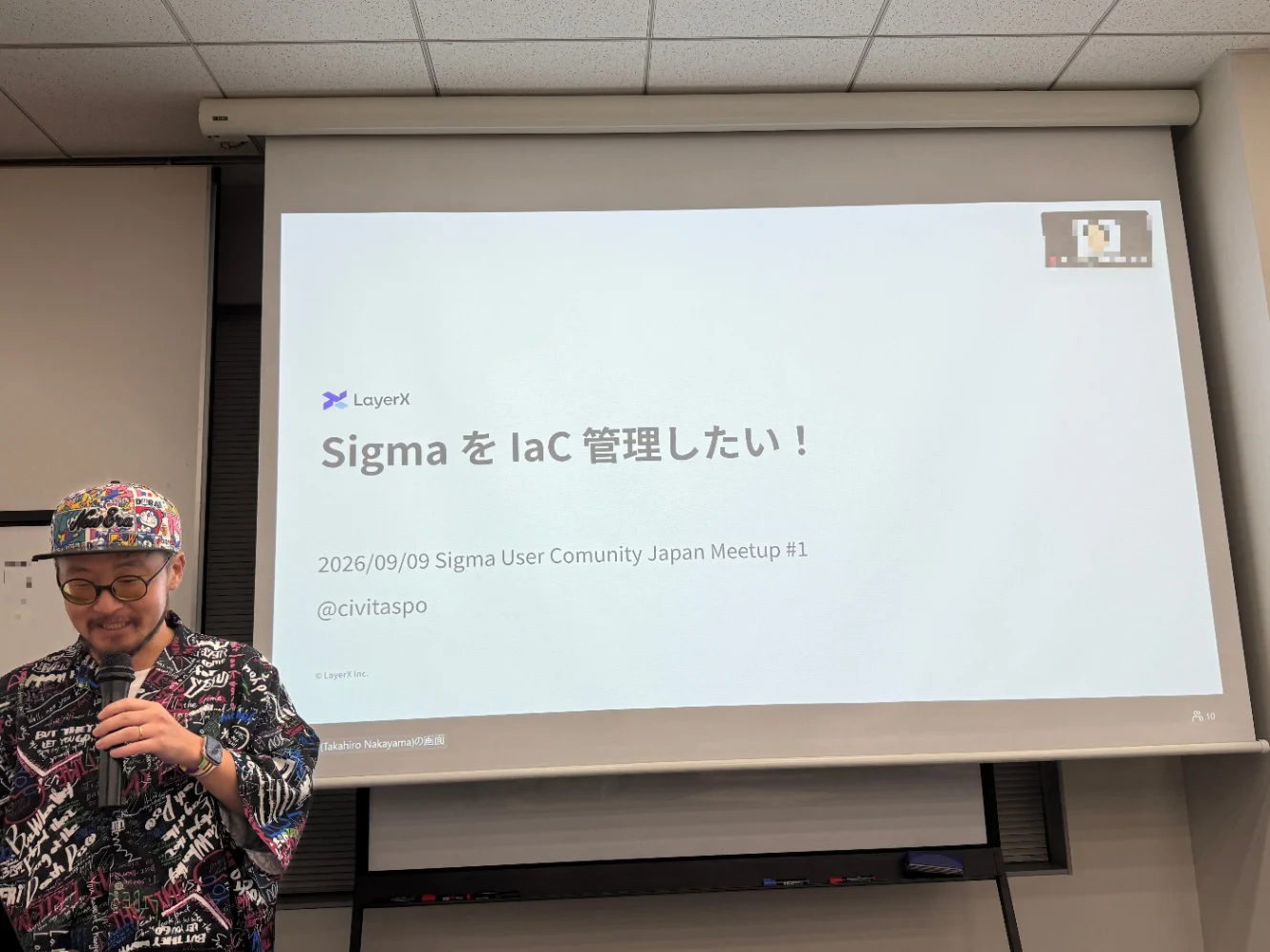
civitaspo on why he wrote a Terraform provider for Sigma instead of waiting for one.
civitaspo manages the data group in BizOps for Bakuraku, the line of AI agents for back-office work built by LayerX, a Japanese company of around 650 people. He is a Snowflake Data Superhero for 2026, runs the Snowflake Kyushu user group, and is one of the organizers of this community. He was also a finalist in the Open Source Impact category of the 2026 Snowflake Community Awards.
He built a Terraform provider for Sigma and published it on GitHub and the Terraform Registry. It covers every Sigma resource except changes to workbook content, and supports beta APIs wherever it can.
The motivation was a clean split of responsibility. Workbook contents should belong to the people using them, a space to express whatever the work needs. Everything around the workbook (workspaces, folders, connections, groups) should belong to administrators, who have to guarantee that the right people hold the right access. Get that split right and a user only has to think about where to put a workbook, because governance takes care of itself.
The problem is that the combinations multiply. Keeping workspaces, folders, connections, and groups in a correct state is a permanent job, and Sigma gives you no way to confirm that the current state is the intended one. There is no drift detection. There is also no roadmap for intent-driven change management by an AI agent inside Sigma. Hence Terraform.
Then came the honest part of the talk: there is no development environment. Free trial accounts cannot issue Client Credentials, so there is nowhere to run integration tests. He finished the implementation before LayerX's own rollout began, but is uneasy about maintaining it from here. He would like to ship authoritative resources, the kind that delete anything not declared in code, and has held off because he cannot test them properly. The talk closed on a request to Sigma: a developer program would fix this.
Terraform Registry: civitaspo/sigma
LT #3: Trying out the Sigma CLI
Speaker: Takuya Inoue (Ashisuto)
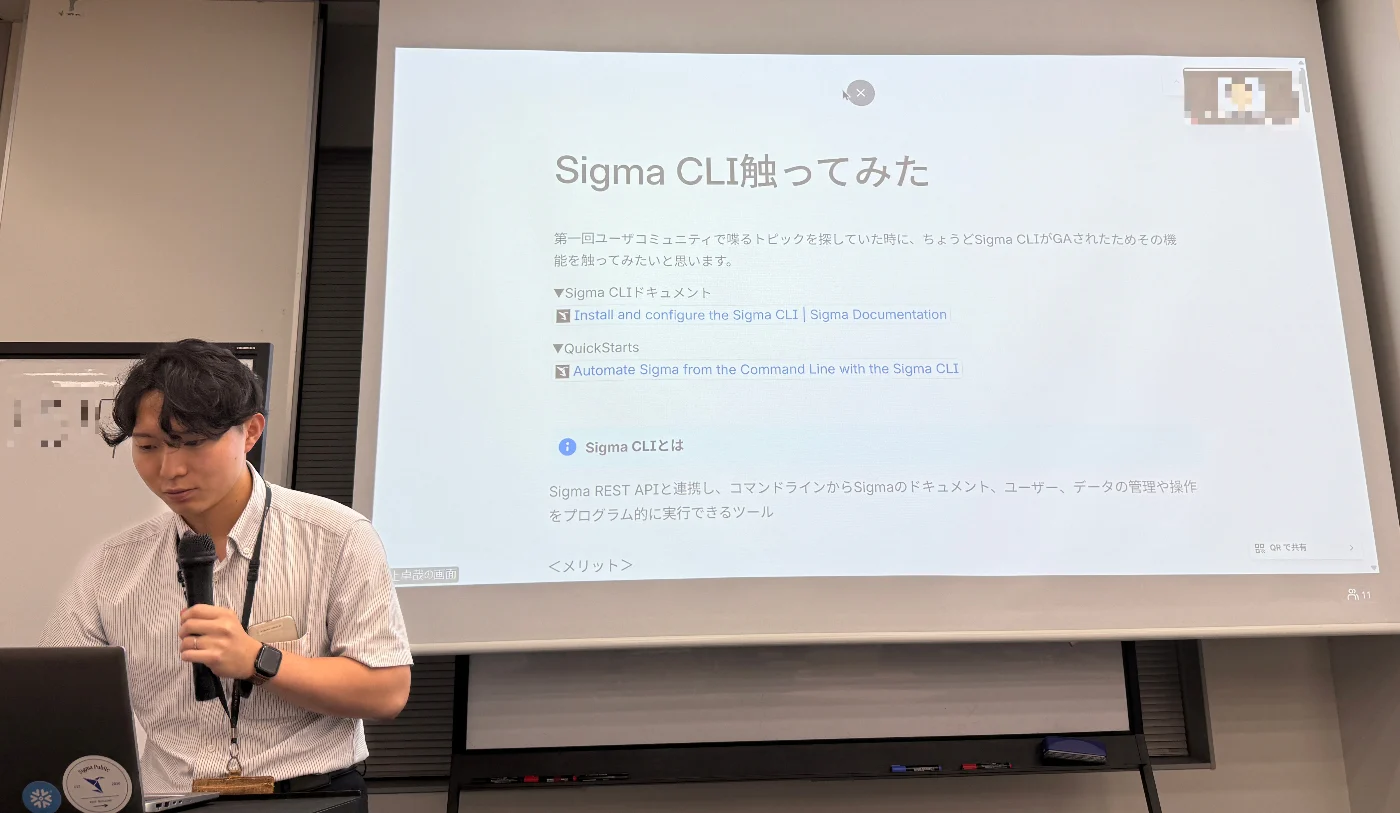
Takuya Inoue on the Sigma CLI, which he had picked up two days earlier.
Inoue opened by explaining his R2-D2 avatar. He wants to be the engineer who turns up in a crisis and fixes it on the spot. Then he got to his topic, chosen because the Sigma CLI had gone GA in August 2026, shortly before the event. He had started using it two days before the talk.
The Sigma CLI drives the Sigma REST API from the command line: document management, user management, pulling data. Output comes back as JSON, which makes it easy to pipe into other tools. He set it up by following Sigma's official QuickStart, which exists only in English.
For the demo he picked a job that is tedious through the GUI: taking inventory of workbooks. Two commands list them and export the result to CSV. He also walked through user provisioning, sharing that part as screenshots rather than a live demo since real accounts were on screen.
Where he wants to take it next is workbooks as code, exporting and importing them through the CLI and API, and putting them under Git.
LT #4: Building a business app with Sigma
Speaker: Kazushiro Honma (LayerX Inc.)
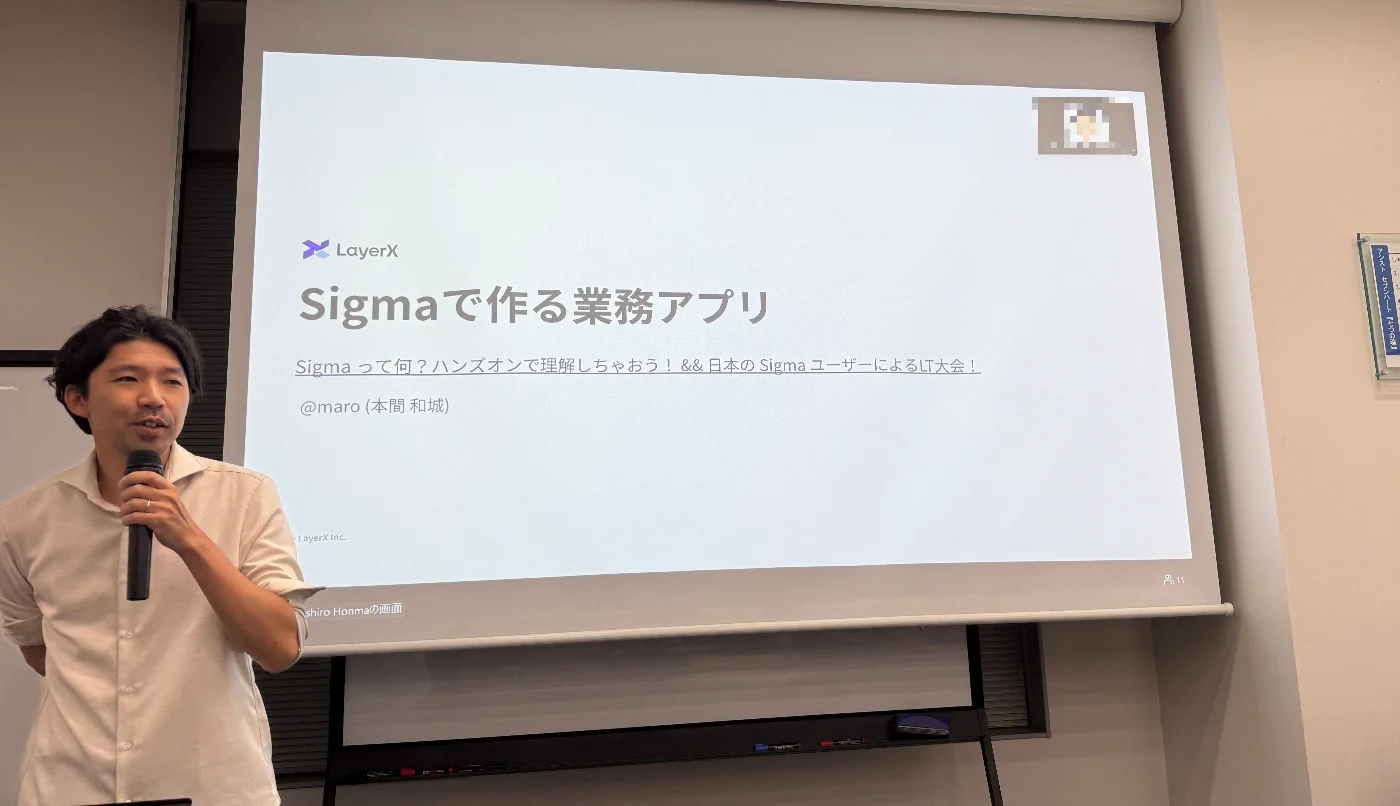
Kazushiro Honma on the partner pipeline app he built in about a week.
Honma manages the business systems group in BizOps for Bakuraku. He joined LayerX as a product manager and has since moved through business planning, data, CS Ops and BizOps. His current work centers on Salesforce, process redesign, and data. He opened Sigma for the first time on August 12, 2026, and built the app in this talk in about a week.
The app manages LayerX's partner alliance pipeline: which partner referred which company, and where each one currently stands. That stage happens before an opportunity exists in Salesforce, which is precisely why it had been living in spreadsheets.
What he ruled out, and why. Three options got serious consideration first.
A scratch build would mean putting an application with its own backend and database somewhere secure, then asking non-engineers to run and improve it. Too high a bar.
Extending Salesforce meant introducing an n:n intermediate object and hanging status off the relationship itself, which is heavy to add without disturbing the existing object structure. Bulk registration from the UI did not fit either.
Spreadsheets plus Google Apps Script fell over around 10,000 rows, needed a refresh on every write, and would have reached hundreds of thousands of records once related data came along.
Sigma cleared all three problems. Writeback to the warehouse is easy, validation and input rules stay inside one tool, the data model can be built in Sigma itself, Salesforce data already sitting in Snowflake is queryable, and tens of thousands of rows stay responsive.
Three things he was careful about.
Scope. He deliberately stopped the app short of opportunity creation, anticipating a future move to a proper SFA. His framing was that when the future is uncertain, the skill is picking the right seam in the business process to build against. Because Sigma writes back to the warehouse, downstream systems can pick up the same data without siloing it.
Data model. Creating and editing live in physically separate tables. An Empty Input Table holds keys and minimal base fields, and a Linked table holds status and other mutable values. Splitting them is how you enforce "this column cannot change" and "this record cannot be deleted" when bulk entry happens constantly.
Testing. There is no staging or dev environment, so testing happens in production. His workaround is a Boolean on the input data plus a "dev" toggle in the app header. Anything written while the toggle is set gets flagged as test data automatically, and disappears when you switch back to production.
In the Q&A he compared this with the Streamlit and Snowflake apps LayerX runs in parallel. Writes through Streamlit make it hard to establish who wrote what, and that auditability gap is why those workloads are gradually moving to Sigma. The app is currently in trial use with 50 to 60 people in the department.
His conclusion: Sigma holds up as a platform for business applications, not just analytics. The play is not to replace a system of record like Salesforce, but to fill the gaps upstream of it, where work has been falling through into manual process.
LT #5: Asking a Sigma agent about Salesforce data
Speaker: Tomofusa Oi (truestar inc.)
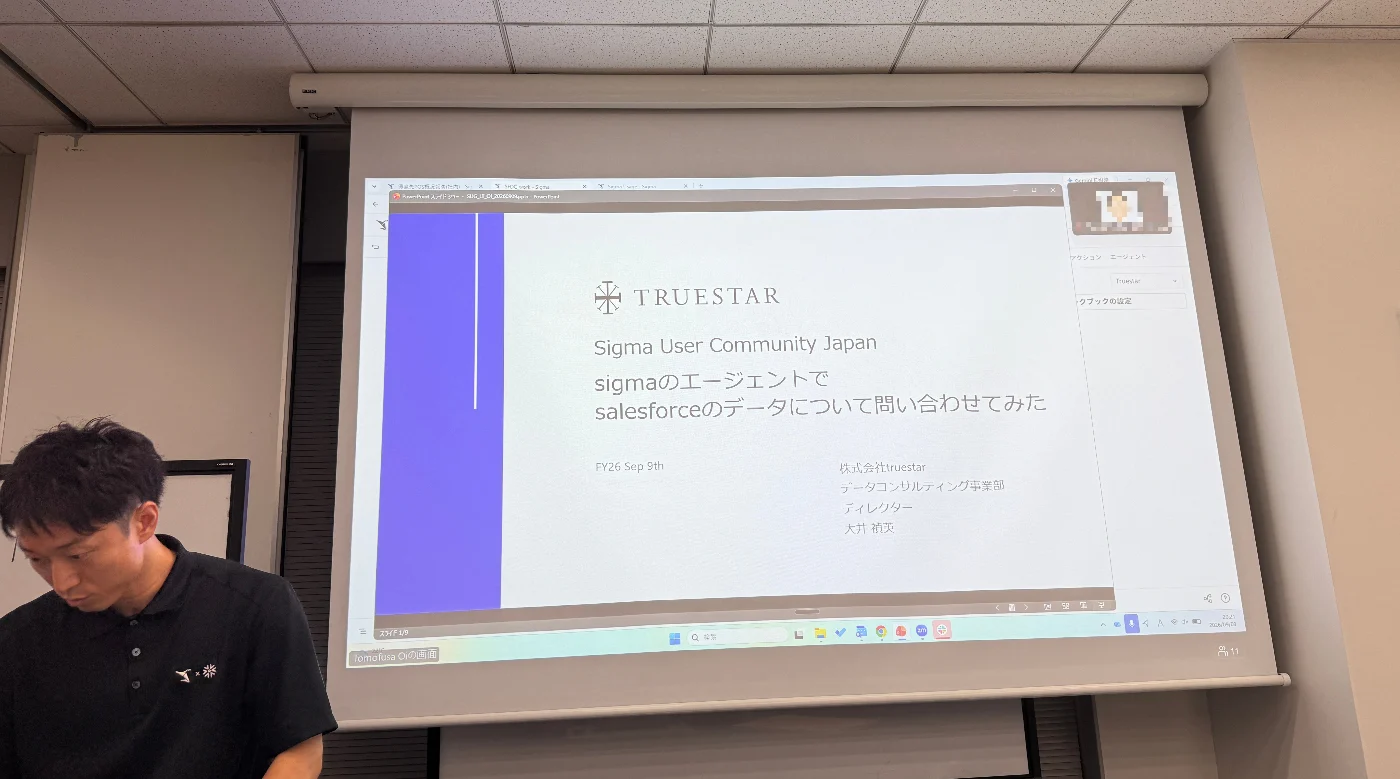
Tomofusa Oi building an agent live on stage, errors and all.
Oi built an agent live on stage to make a point aimed squarely at non-engineers: in Sigma, you do not have to be one to build an AI agent.
The target was an agent that summarizes the last week of opportunity records. The requirements went in as a pasted prompt rather than as configuration. Mask any personal names. If someone asks for a range longer than a week, warn them and stop. Sigma generated the agent's behavior from that.
The demo did not go smoothly, which made it more useful to watch. He skipped part of the data source selection and hit an error. He got the date range wrong and pulled monthly data instead. Correcting the instructions each time, he arrived at the summary he wanted, account names masked.
His conclusion: embedding agents like this into existing dashboards moves BI past "look at the dashboard and you're done" toward something where the reader can dig in conversationally. He also raised the possibility of pushing the same capability out to Slack and other tools.
LT #6: Getting Claude to do the manual part of a dashboard migration
Speaker: Kohei Soyama (truestar inc.)
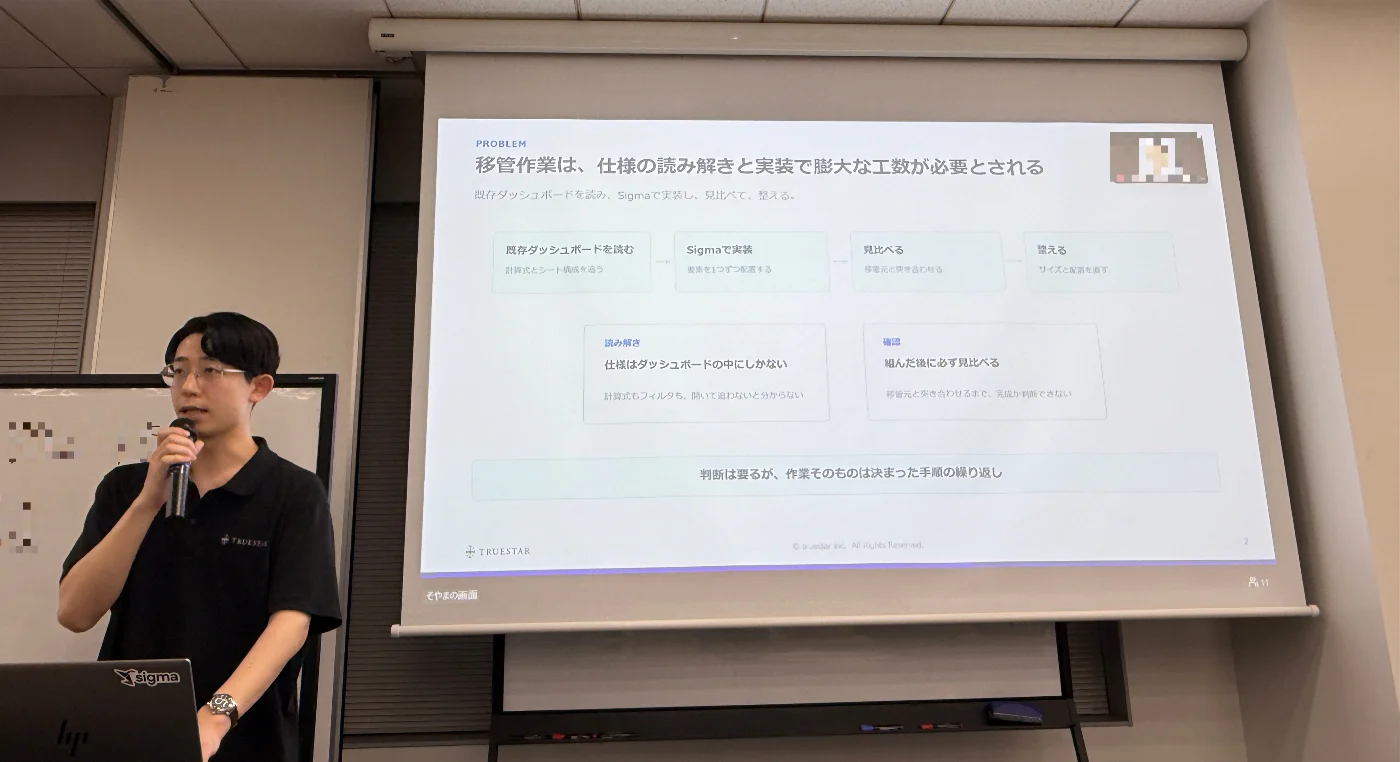
Kohei Soyama on handing dashboard migration to Claude, and where a human still has to step in.
Soyama has done a lot of dashboard migration work and wanted to know how much of the tedium could be removed. His target user is deliberately not an engineer, but someone doing regular business work who needs the initial build to be less daunting.
The setup is short. Connect Claude's Chrome extension to a browser, log into Sigma in that browser, and have the source Tableau dashboard on hand as a .twb or .twbx file.
For the demo he used Tableau's Superstore sample with the data in Snowflake. He handed Claude the .twb file and a single instruction: reproduce this in Sigma, operating the browser yourself. Claude drove the browser, assembled the charts, and with some manual cleanup the result came close to the original.
Two things came out of it. Reading the source specification and building the charts can be handed to an AI, but layout adjustment and the final call on whether something is actually finished still need a person. And where Sigma does not yet support a given visual, such as area charts by Japanese region, the workaround had to be negotiated with the model.
LT #7: How do you teach data modeling to a business team?
Speaker: Yo Shinojima (NTT DATA)
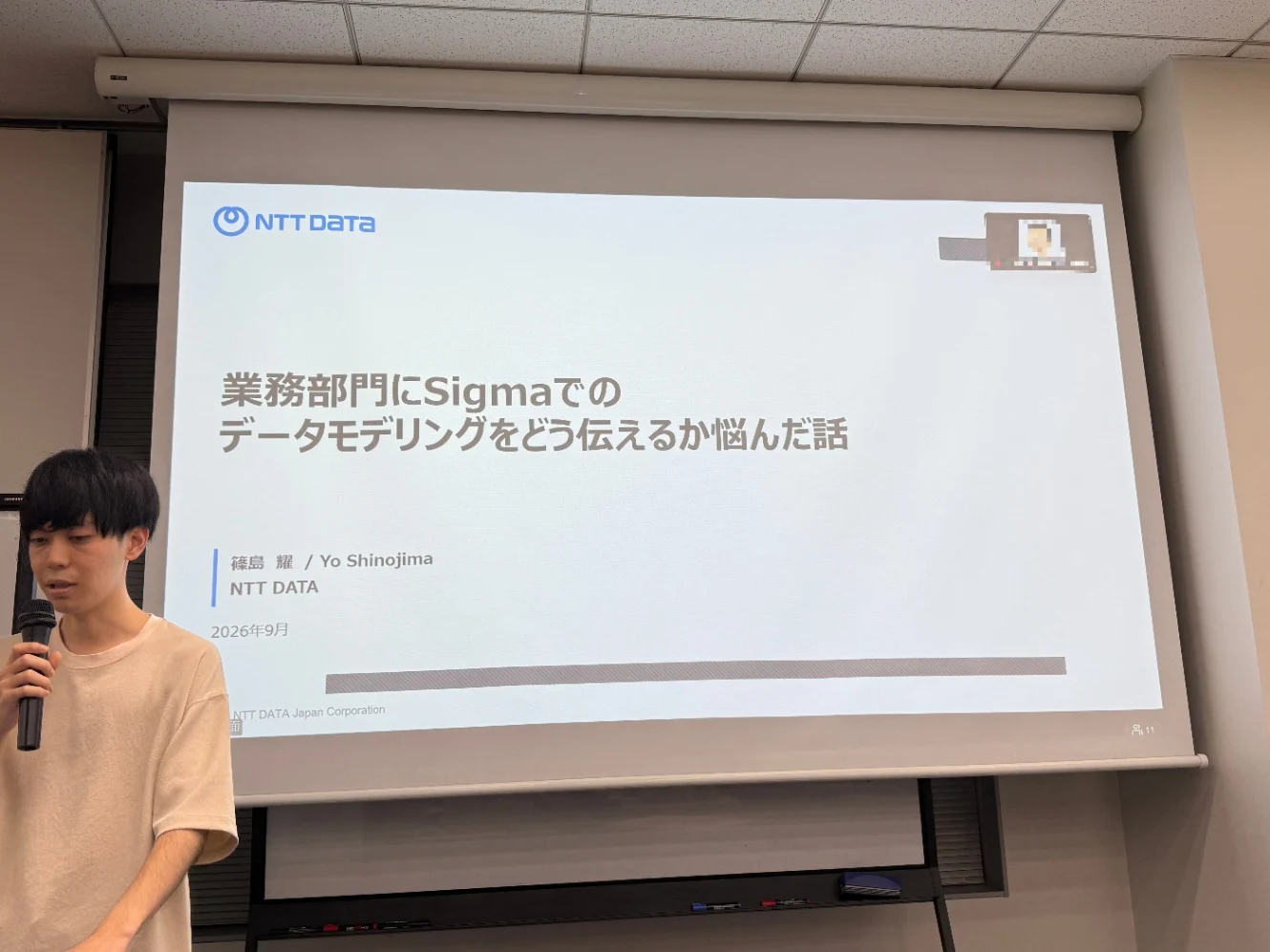
Yo Shinojima on six hands-on sessions, and the one thing he could not teach.
The final talk was a post-mortem. Shinojima ran a hands-on program for a business team and came to share what he failed to get across.
He opened with what he sees in the field. IT departments tend to say they do not want business users touching the data cloud, usually Snowflake, directly, and would rather analysis stayed inside the BI product. Business users tend to say they want to bring in whatever data they need, including open data and weather data. The two pictures do not line up.
What he learned from teaching: building a dashboard is something business users pick up fairly easily, but the thinking behind data modeling is not. Joins and grain design produce questions like "what is a table" and "when would I use a relationship". Sigma's Lookup lands well precisely because it feels like an Excel formula.
His own working pattern splits a workbook's pages into four layers:
Transaction layer (sales and other daily accumulations)
Master layer (slow-changing reference data)
Intermediate table layer (joins and GROUP BY)
Dashboard reference layer (display only, no interaction)
Even with that structure, which keys and which rules to align on stays unclear to users, and needs separate documentation.
Then the honest part. He ran six one-hour hands-on sessions for a non-BI department. He taught the operations. He did not manage to teach the judgment behind modeling. Explaining joins consumed the time he had set aside for exercises.
He laid out what that gap costs: errors, definitions drifting apart, and queries re-running on every view because nobody structured the model to avoid it. What he is exploring now is whether AI closes it, through Sigma Assistant, or by calling Snowflake Cortex agents and semantic views from Sigma so that analysis and dashboard building can happen conversationally without the modeling knowledge up front.
What these seven talks say about Sigma adoption in Japan
The first thing you notice, lining the seven talks up, is that not one of them was about building a chart or designing a dashboard. For the opening event of a BI tool's user community, that is unusual. The absence is the finding.
Sigma is being treated as infrastructure
LT #2 was infrastructure as code. LT #3 was operational automation from the command line. Neither started from "what should we visualize in Sigma" but from "how do we govern this environment and automate running it."
LT #4 went further and picked Sigma as the platform to build a business application on. The revealing part is the comparison set. Not Tableau, not Power BI, but a scratch build, a Salesforce extension, Google Apps Script, and the Streamlit apps already running in-house. For these early adopters, Sigma is moving off the BI shelf and onto the business systems shelf.
The gap that opens up: no development environment
Treat a tool as infrastructure and you need staging environments, test credentials, and a way to detect drift. Sigma is not currently built on that assumption.
What makes this worth flagging is that the complaint arrived independently from opposite ends of the room. From the engineering side, LT #2 pointed out that free trial accounts cannot issue Client Credentials, so there is nowhere to run integration tests. From the business side, LT #4 reported that with no staging or dev environment, testing has to happen in production with dummy data, managed through a toggle in the app header.
One framed it as a request, the other as a workaround. They hit the same wall.
Two of seven talks were about AI agents, pointing in opposite directions
LT #5 used Sigma's built-in agent capability to change what an end user can do with a dashboard. LT #6 pointed an external agent at Sigma and had it operate the browser, automating the migration work itself. The second of those may not be a use Sigma anticipated.
Rolling out to business teams runs into data modeling
The problem LT #7 raised, that you can teach the operations but not the judgment behind modeling, sits directly on Sigma's own value proposition about business teams handling their own data. Behind it is something fairly specific to Japanese enterprises: a persistent gap between how IT departments and business departments think about direct access to the data platform.
There is demand for the map of resources itself
It says something that the first talk at the first meetup was about where to find information on Sigma. The major resources, QuickStarts, Sigma Community, the official blog, are all English-only. With limited primary material in Japanese, mapping the sources is itself useful work.
We did not formally survey who attended. The organizers' impression was that most people in the room already had some interest in Sigma or had used it before. This was less an awareness-building event than a room of people at the evaluation and trial stage comparing notes.
What Japanese users are asking Sigma for
Nobody solicited this list. These are requests and gaps that surfaced across the talks and the Q&A, collected in one place because they are easier to act on that way.
Developer experience
There is no development or staging environment. Free trial accounts cannot issue Client Credentials, which leaves nowhere to run integration tests (LT #2). App builders hit the same wall from the other side and end up testing against production with flagged dummy data (LT #4).
A developer program would address this directly. Without adequate test coverage, authoritative resources (the kind that delete anything not declared in code) are too risky to ship, which takes a meaningful piece of governance off the table (LT #2).
There is no first-party way to manage Sigma configuration as code, and no roadmap for intent-driven change management inside Sigma. The Terraform provider exists because a user sat down and wrote one (LT #2).
Product
Area charts using Japanese regional divisions are not supported, so migrations that include them need a workaround (LT #6).
Business users get stuck on modeling decisions, joins and grain in particular, in a way that suggests room for product-side help (LT #7).
Documentation and outreach
Sigma's active social channel is LinkedIn, and the X account is effectively dormant. In Japan, X is still where a good deal of the developer conversation happens, so information does not reach users here (LT #1).
QuickStarts cover a lot of ground, but each guide runs long enough that a beginner needs a serious block of time to finish one (LT #1).
A first meetup that produces a list like this is a good sign rather than a bad one. It means people are far enough in to have found the edges.
How the night ended
Zo Iguchi from Sigma Computing, Inc. closed the formal program. Speaking in Japanese, he told the room that this was the first Sigma user community in Asia, and that he had enjoyed hearing what people had been building. He also put in a word for the Sigma events coming up.
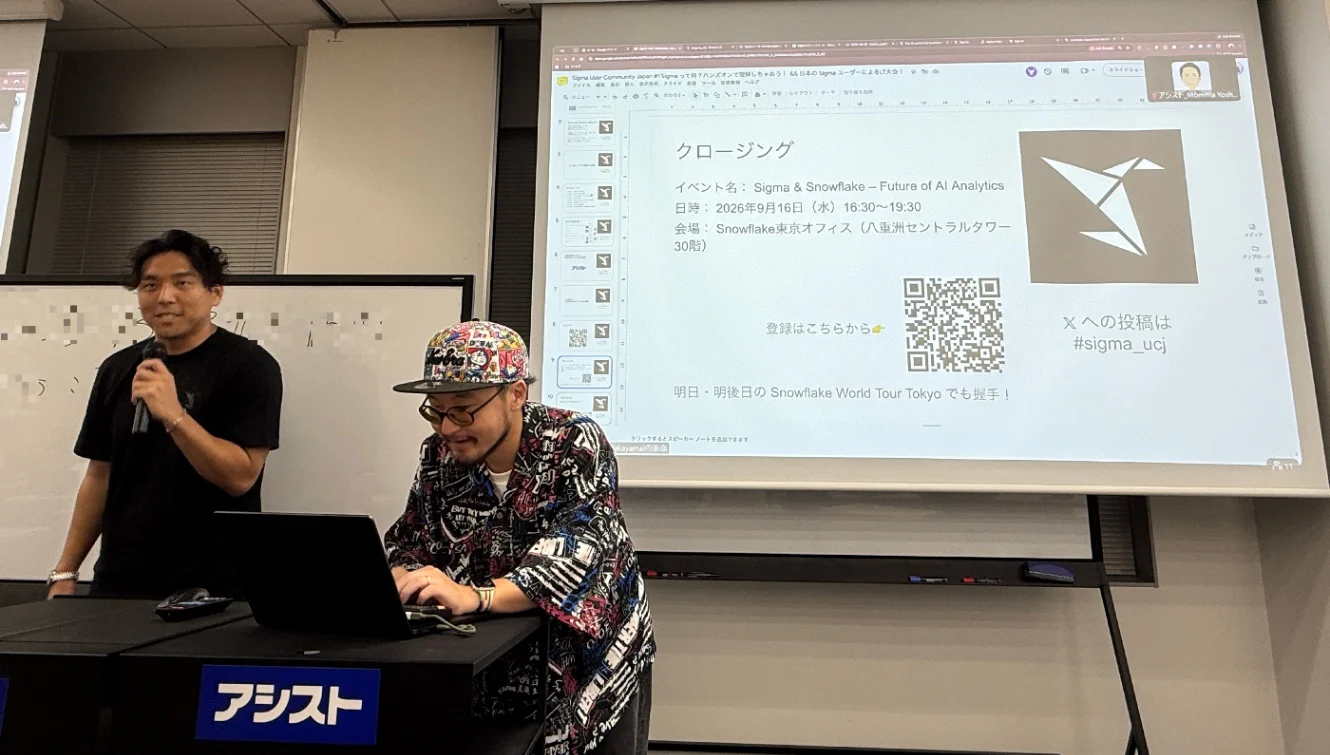
Zo Iguchi closing out the evening, with civitaspo alongside.
Then the group photo, taken selfie-style by Zo with everyone else crowded into the frame. It may end up being the house style.
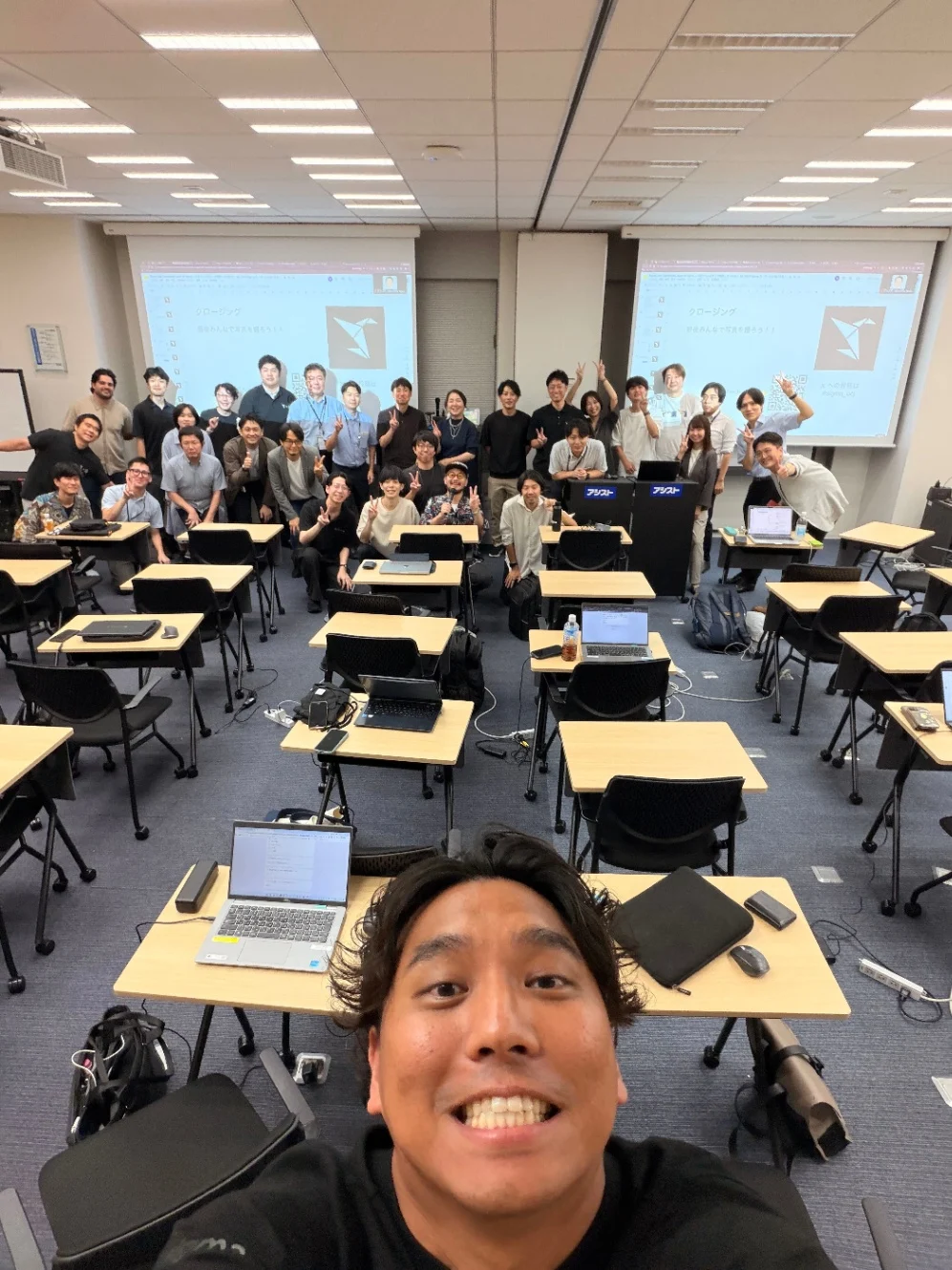
Zo Iguchi's selfie, with the rest of the room behind him.
Discussion had run right up against the end of the scheduled time, and it carried on afterward at an izakaya a short walk from the venue. Most of the room came along. For anyone who has not been to one, the izakaya is the default second venue for a Japanese tech meetup: shared plates, a long table, and all the conversation nobody got to during Q&A.
About Sigma User Community Japan
Sigma User Community Japan is a volunteer-run group. It formed in late August 2026 and held this first event about three weeks later. The Slack workspace has roughly 50 members at the time of writing and runs in Japanese.
Events: sigma.connpass.com
Slack: join the workspace
Hashtag:
#sigma_ucj(X Links)
The next event has not been scheduled yet. It will go out through those channels when it is.
If you run a Sigma community somewhere else, or you work at Sigma and want to hear what users in Japan are hitting, you are welcome in the Slack. People from Sigma are already in there. It runs in Japanese, but English is welcome and someone will get back to you.
About the author
- I'm a data engineer in Tokyo/Yokohama, Japan. Alongside my engineering work, I write technical content and help run community events — most recently for Sigma Computing in Japan.
Comments
Join the discussionNo comments yet. Be the first to comment.